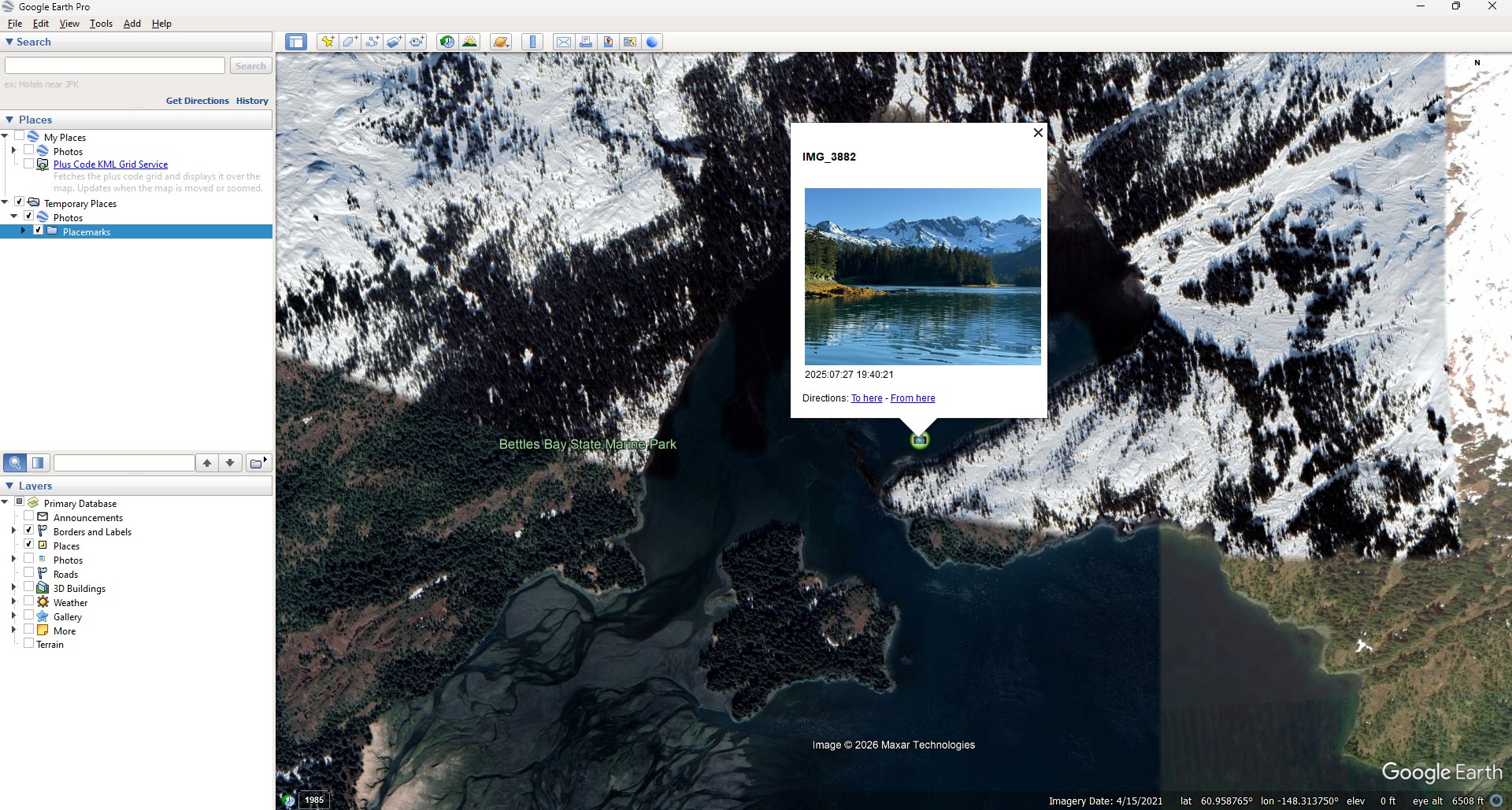
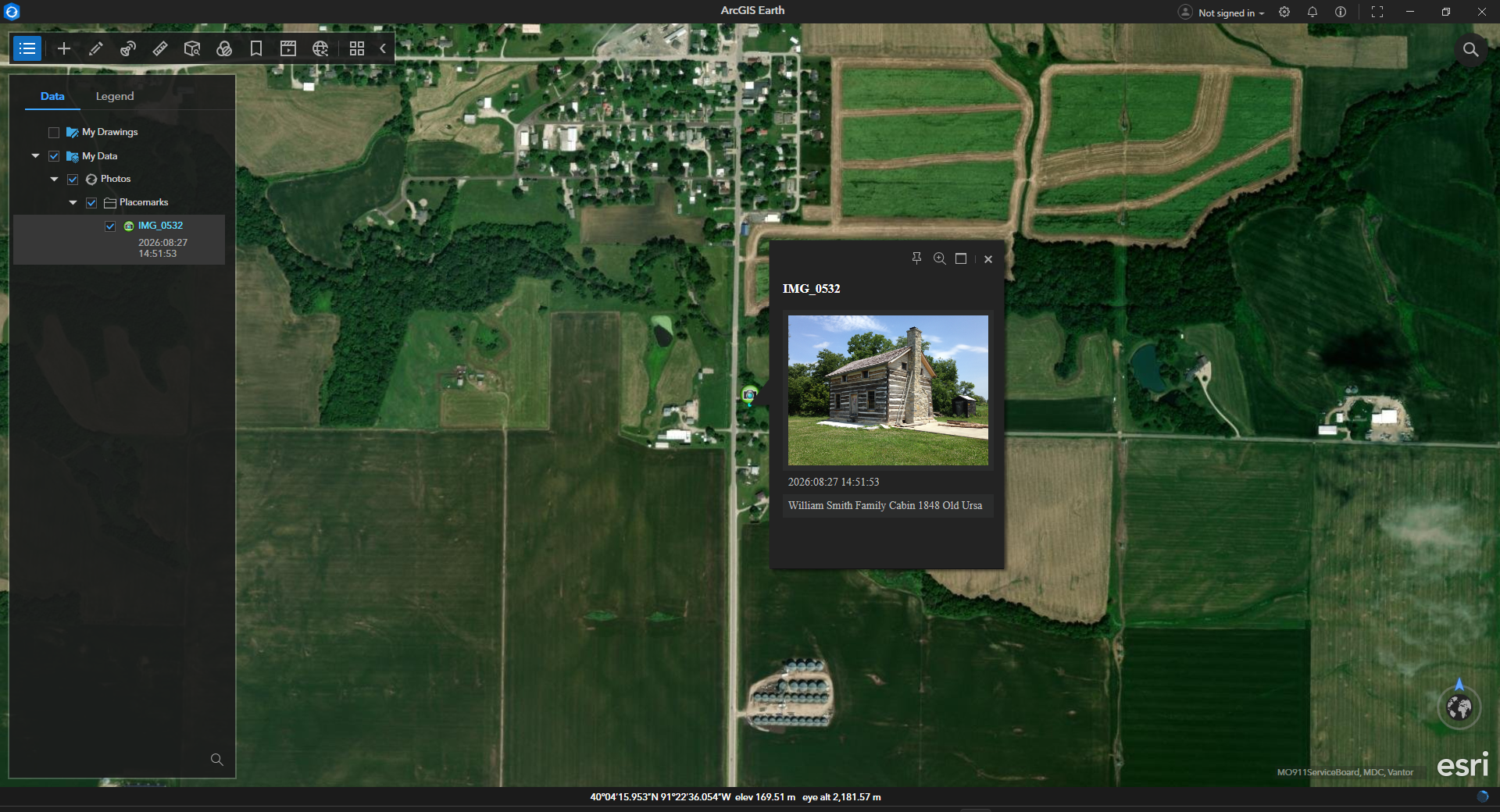
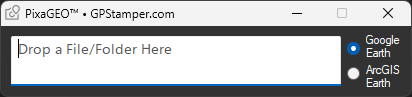
A task-specific Windows application to view your photo or video locations in Google Earth Pro or ArcGIS Earth. Requiring only a single mouse click, PixaGEO is uniquely simple in design and use.
Simply drag and drop a geotagged file or folder into PixaGEO. Assure that Location Services/Tags is turned on in your phone, so that GPS locations will be recorded for your photos and videos.
Google Earth Pro does not recognize a JPEG photo’s Exif orientation value, so vertical image thumbnails will not appear upright. However, ArcGIS Earth does recognize and obey this value. Neither will display thumbnails of HEIC photos, or videos, only their location.
Download a Windows (language) version of ArcGIS Earth directly from Esri. This places ArcGIS Earth in a directory where PixaGEO can find it. Do not download ArcGIS Earth from the Microsoft Store.
SECURE – Photos never leave your computer. PixaGEO is for offline (i.e., local) viewing only.
Google Earth Pro on desktop will no longer be available for download beginning June 25, 2027.
Secure Download
PixaGEO Installer.zip This is the sole authorized source for PixaGEO. Windows 10 (64-bit) and 11 Compatible Free for personal or commercial use. Modification, redistribution or sale is prohibited. Please do not download unauthorized redistributions from other sources.
PixaGEO is dedicated to my daughter, Etta, who chose its name. Etta is autistic, and is quite an expert in world geography and languages. She was awarded a medal from the National Geographic Society for her geography skills.


 GPStamper